Choosing a Monitor Wall Mount: Which One Fits Your Monitor?
In this article
In short
Fixed, tilting or swivel? How to find the wall mount that fits your monitor, including a check for VESA, weight and wall.
Want to mount your monitor on the wall? Here you'll find the right type of mount, check the fit and sort out what matters before you drill.
The quickest way is with your monitor model: in the Setup Finder, enter the brand and exact model name to see compatible mounts and the accessories you need. You'll usually find the model name on the label on the back of the monitor. Check whether your wall is suitable separately.

How much should your monitor move?
Choose based on your everyday use. Not every workspace needs a full-motion arm – and not every swivel arm can be adjusted in height.
"It stays in one fixed place."

Your type: fixed wall mount. It holds the monitor close to the wall, without a moving arm.
The height has to be right at installation. Leave enough room behind for the plugs.
"I want to change the viewing angle."

Your type: tilting wall mount. You can tilt the screen up or down.
The mounting height stays the same. Tilting doesn't make up for a position that is clearly too high.
"I want to pull it closer."

Your type: swivel arm. You change the distance from the wall and the sideways direction.
Check the reach and the space needed when folded in. Height adjustment is not automatically included.
"I want to change the height."

Your type: height-adjustable arm. A spring-assisted arm makes raising and lowering easier.
Check the minimum and maximum load and the height range. Other movements depend on the model.
Does the mount fit? Check these three things.

1. VESA hole pattern
The four threaded holes connect the monitor and the mount. With VESA 100 × 100, their centers are 100 mm apart horizontally and vertically – measured from hole center to hole center.
You'll find the size in your monitor's data sheet. The mount has to support it. The screen size in inches alone doesn't tell you the hole pattern.
2. Weight without stand
Compare the weight of the screen without its stand with the permitted weight range. With spring arms, the minimum load counts too: a monitor that is too light may not adjust properly, just like one that is too heavy.
With deep curved monitors, the position of the center of gravity also affects the load. So note any specific approvals or restrictions from the mount manufacturer.
3. Back of the monitor and room to move
The mounting plate needs room, and the ports must stay reachable. Also check whether the monitor would hit the wall, a shelf or a second screen when swiveling.
The holes fit – but the mounting plate doesn't?

The VESA size is right, but the plate still rests against the housing: the threads sit too deep, and there's no clearance between the threads and the mounting plate.
Matching spacers can bridge the recess. A longer screw alone won't solve the problem if the plate still touches the housing.
The right solution: 3IDEE VESA spacer setWith lengths of 15, 25 and 35 mm, you choose the clearance that fits your monitor back and mounting plate. Before buying, check the thread, the length you need and the specified screw-in depth. Spacers don't change the VESA hole pattern. See the spacer set
No VESA holes at all?
Then you need a different connection to the mount. A model-specific VESA adapter can provide it. Search by the full model name: "Samsung 27 inch" isn't specific enough for this.
What to sort out before you drill
The further a wall arm is extended, the greater the leverage on the mounting at the same weight. That's why the mount, monitor, reach and wall construction belong together.
Concrete or masonry
Find out what your wall actually is. Concrete, solid brick and hollow brick may need different fixings. Choose based on the wall, the load and the manufacturer's specifications; the included anchors don't automatically fit every wall.
Drywall or other lightweight walls
Check the board type, the cladding and the frame behind it. Depending on the construction, you may need reinforcement or a suitable fixing in the frame. A flat kilogram rating per anchor isn't enough to judge a wall arm.
Mounting height, wiring and cables
Before drilling, sit down at your set-up workspace and decide on the screen position. You should be able to look slightly down in a relaxed way. Check the drilling area for wiring.
With a fixed mount, the mounting height has to be right straight away. An adjustable arm has to actually reach your preferred position. Leave the cables enough slack for every movement you plan.
Not sure about your wall?Have the mounting assessed on site by a professional. Follow the instructions of the products you use when installing.
Don't want to drill, or using a sit-stand desk?
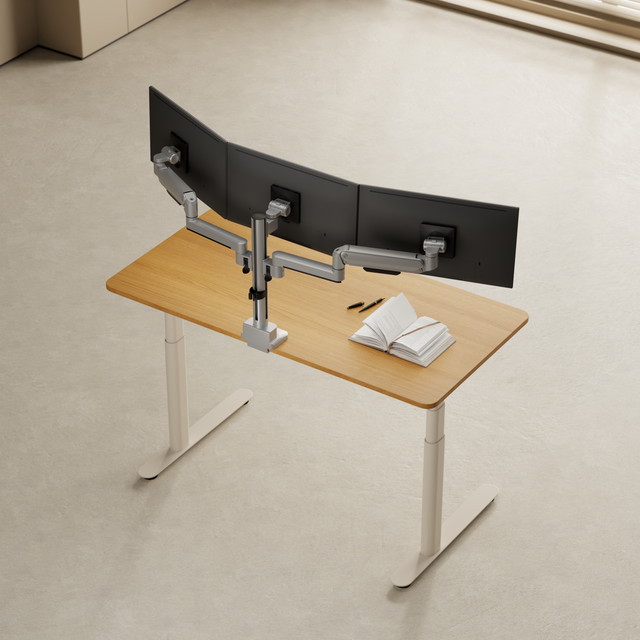
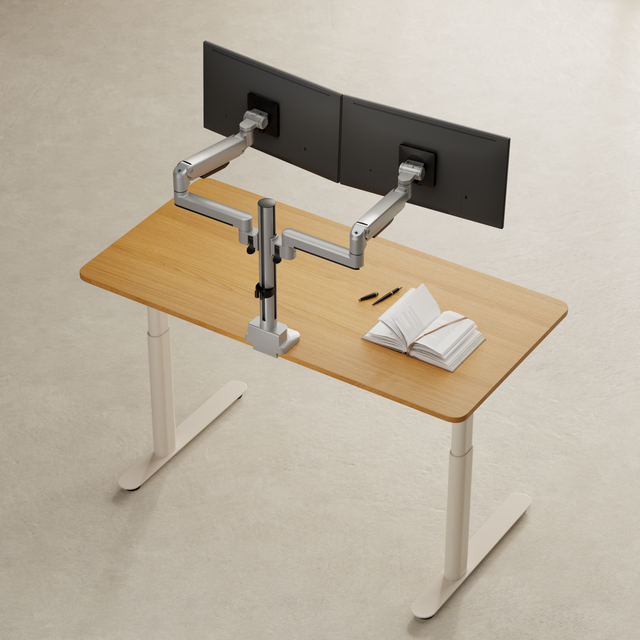
A desk mount moves with the desktop. A wall arm has to cover the height difference with its own adjustment range. So check which installation suits your workspace better.
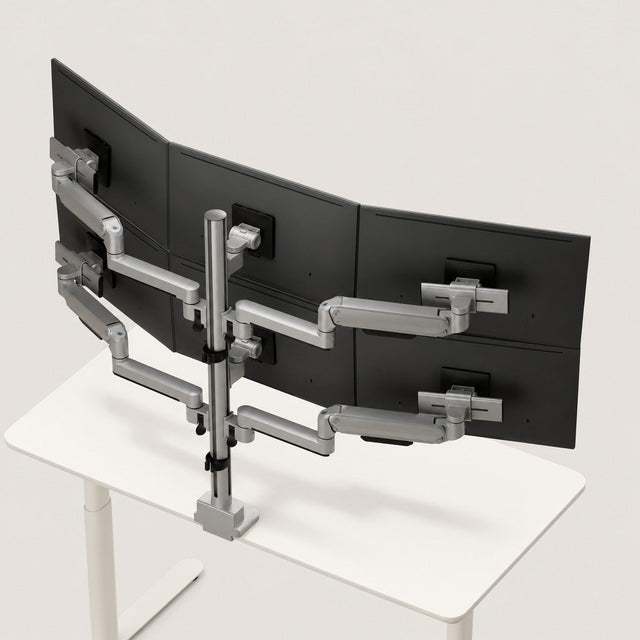
If you want to change your monitor arrangement later too, you can rebuild or expand 3IDEE ONE as a modular system for your desk with matching components.
Ready for the right mount?
Check off what you've already sorted out. That way you can see what's still open before you buy.
All checked. Your setup is ready to go.